> ## Documentation Index
> Fetch the complete documentation index at: https://docs.wavecentric.ai/llms.txt
> Use this file to discover all available pages before exploring further.
# Flotta Carri
> Real-time GPS tracking and visualization of railway wagons on an interactive map.
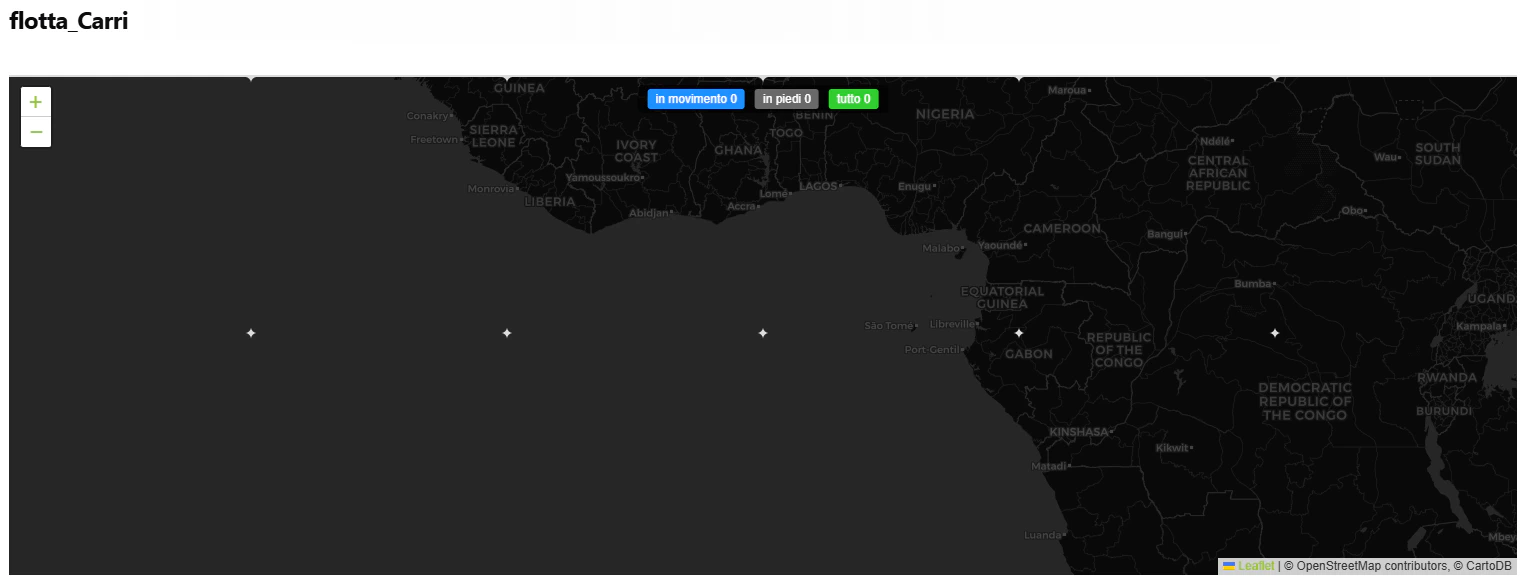
**Flotta Carri** provides real-time GPS tracking of railway wagons using location data from Nexxiot API. View all tracked wagons on an interactive map with movement status, location details, and wagon information.
 ## Workflow Visualization
```mermaid theme={null}
graph TD
User([User Opens Flotta Carri]) --> Auth[Authenticate with Nexxiot API]
Auth --> Fetch[Fetch GPS Asset Data]
Fetch --> Extract[Extract Wagon Locations]
Extract --> Filter[Filter Valid Coordinates]
Filter --> Map[Render Interactive Map]
Map --> Moving[Moving Wagons]
Map --> Standing[Standing Wagons]
Moving --> Cluster[Marker Clustering]
Standing --> Cluster
Cluster --> Interactive[Interactive Display]
Interactive --> StatusBar[Status Bar with Counts]
Interactive --> Tooltips[Wagon Details on Hover]
Interactive --> Filters[Filter by Movement Status]
```
## Key Features
### Real-Time GPS Tracking
* Fetches live wagon locations from Nexxiot third-party API
* Displays GPS coordinates on interactive Leaflet map
* Auto-centers map on fleet location
### Movement Status Visualization
The dashboard provides immediate visual feedback on the operational state of the fleet:
*
## Workflow Visualization
```mermaid theme={null}
graph TD
User([User Opens Flotta Carri]) --> Auth[Authenticate with Nexxiot API]
Auth --> Fetch[Fetch GPS Asset Data]
Fetch --> Extract[Extract Wagon Locations]
Extract --> Filter[Filter Valid Coordinates]
Filter --> Map[Render Interactive Map]
Map --> Moving[Moving Wagons]
Map --> Standing[Standing Wagons]
Moving --> Cluster[Marker Clustering]
Standing --> Cluster
Cluster --> Interactive[Interactive Display]
Interactive --> StatusBar[Status Bar with Counts]
Interactive --> Tooltips[Wagon Details on Hover]
Interactive --> Filters[Filter by Movement Status]
```
## Key Features
### Real-Time GPS Tracking
* Fetches live wagon locations from Nexxiot third-party API
* Displays GPS coordinates on interactive Leaflet map
* Auto-centers map on fleet location
### Movement Status Visualization
The dashboard provides immediate visual feedback on the operational state of the fleet:
* **in movimento**: Wagons currently in transit (Nexxiot detection).
**in piedi**: Wagons currently stationary at a node.
**tutto**: The total tracked inventory.