> ## Documentation Index
> Fetch the complete documentation index at: https://docs.wavecentric.ai/llms.txt
> Use this file to discover all available pages before exploring further.

# Welcome to AI Loop

> An overview of the AI Loop platform.

## Get Started

<Steps>
  <Step title="Access the Application">
    Navigate to [ai-loop.alpeadria.com](https://ai-loop.alpeadria.com) and select **Get Started**.
  </Step>

  <Step title="Identity Verification">
    Input your corporate email address to receive a secure, encrypted verification link delivered to your inbox.
  </Step>

  <Step title="Sign In">
    Click the **"Verify & Login Now"** button in the email to access the platform.
  </Step>

  <Step title="Complete Your Profile">
    Provide your professional details (Name, Company, Job Title, and Location) to finish setting up your account.
  </Step>
</Steps>

***

## Next Steps

Once authenticated, you can begin orchestrating your logistics operations through these core modules:

<CardGroup cols={2}>
  <Card title="Personalize Dashboard" icon="objects-column" href="/functionalities/dashboard-personalization">
    Configure your command center with modular widgets and real-time analytics.
  </Card>

  <Card title="Explore the Data Lake" icon="database" href="/functionalities/data-lake">
    Integrate your logistics data sources to power AI-driven insights.
  </Card>

  <Card title="AI Assistant" icon="sparkles" href="/functionalities/new-inquiry-ai-assisted">
    Leverage conversational AI to optimize your supply chain decisions.
  </Card>

  <Card title="Manage Tasks" icon="list-check" href="/functionalities/tasks">
    Track and coordinate operational activities across your team.
  </Card>
</CardGroup>

***

## Logistics Orchestration

<CardGroup cols={2}>
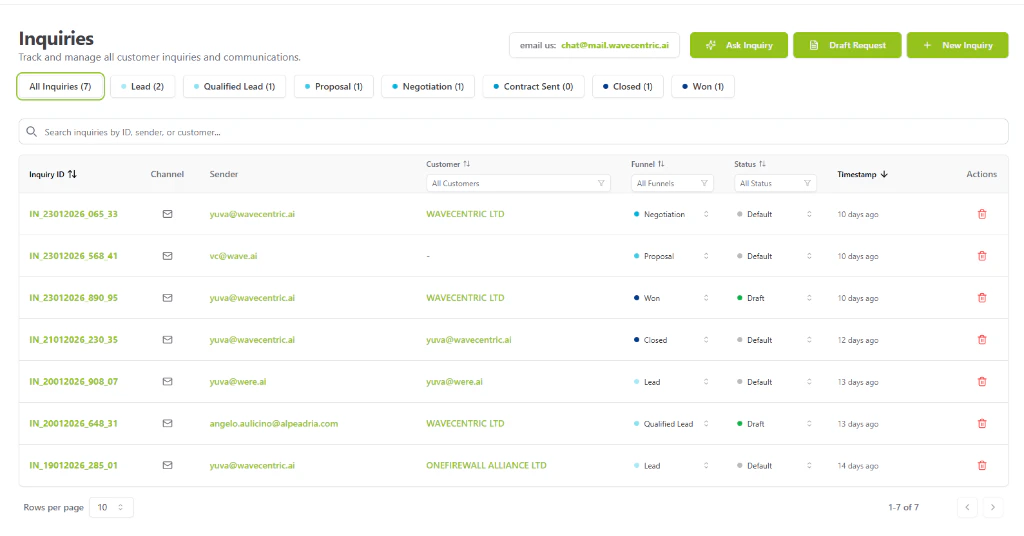
  <Card title="Inquiries Dashboard" icon="table" href="/functionalities/inquiries-dashboard">
    <img src="https://mintcdn.com/wavecentric/YSPi_dHzsGOmYZpE/images/inquiries-dashboard.png?fit=max&auto=format&n=YSPi_dHzsGOmYZpE&q=85&s=629a8c08d2227705e362c3b8365e1987" alt="Inquiries Dashboard" width="1024" height="536" data-path="images/inquiries-dashboard.png" />
  </Card>

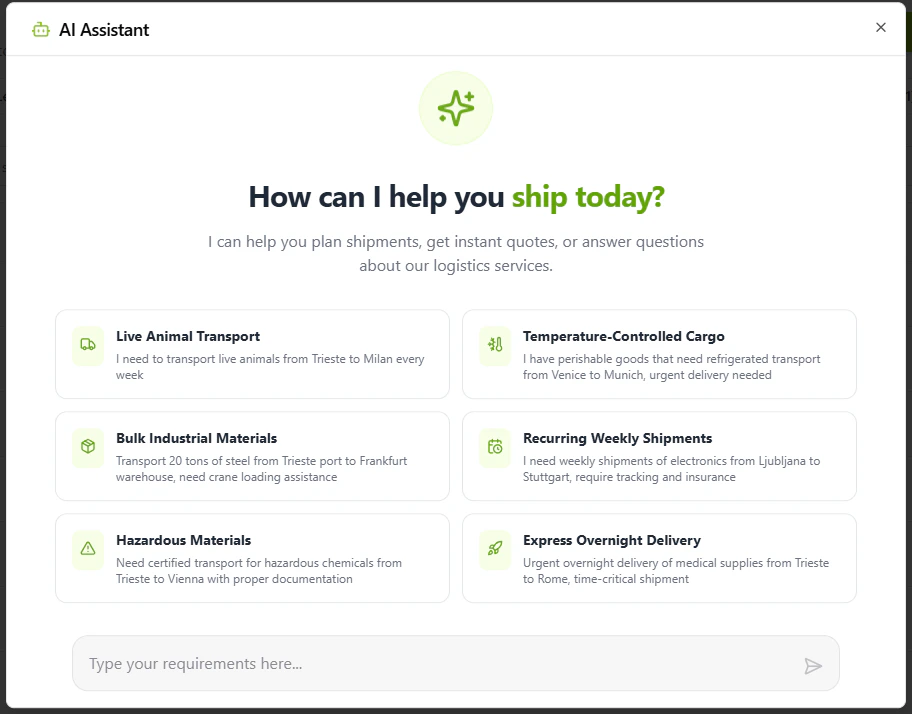
  <Card title="AI Planning" icon="wand-magic-sparkles" href="/functionalities/new-inquiry-ai-assisted">
    <img src="https://mintcdn.com/wavecentric/YSPi_dHzsGOmYZpE/images/ai-assistant.png?fit=max&auto=format&n=YSPi_dHzsGOmYZpE&q=85&s=7217400a81abd6ac4c8663d93c708f53" alt="AI Planning" width="912" height="714" data-path="images/ai-assistant.png" />
  </Card>

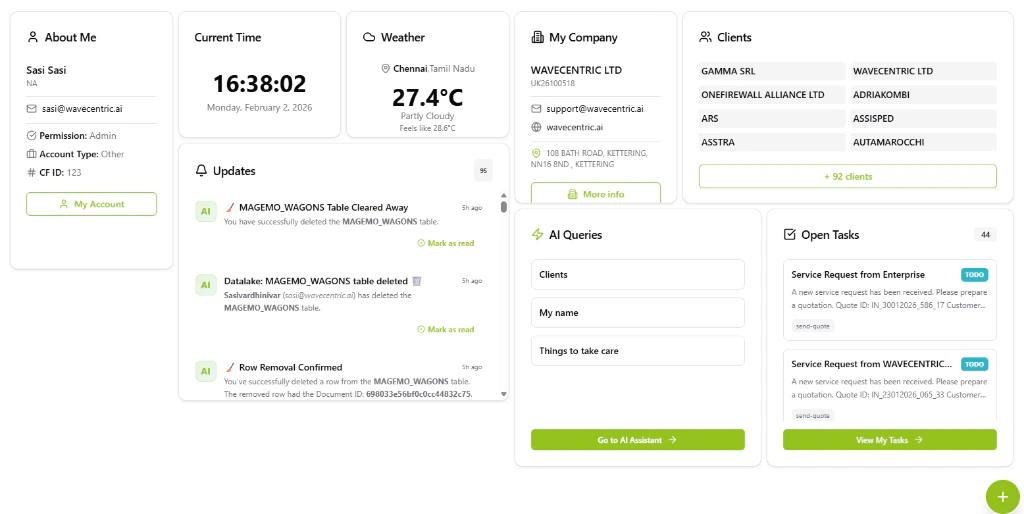
  <Card title="Personalized Dashboard" icon="objects-column" href="/functionalities/dashboard-personalization">
    <img src="https://mintcdn.com/wavecentric/YSPi_dHzsGOmYZpE/images/dashboard-widgets.png?fit=max&auto=format&n=YSPi_dHzsGOmYZpE&q=85&s=f2b6f0a05e3374e39546fa3b3974e83e" alt="Dashboard Personalization" width="1024" height="514" data-path="images/dashboard-widgets.png" />
  </Card>

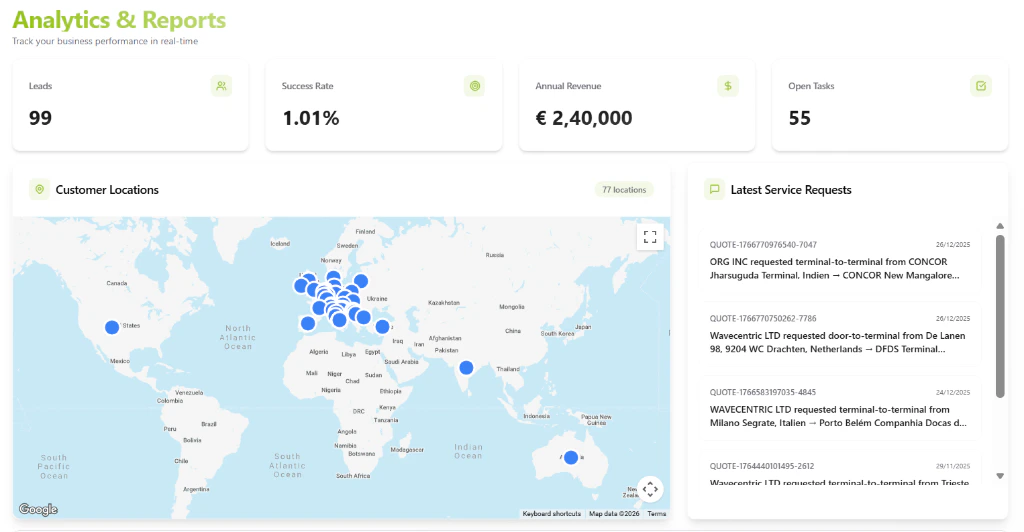
  <Card title="Analytics & Reports" icon="chart-mixed" href="/functionalities/analytics-reports">
    <img src="https://mintcdn.com/wavecentric/YSPi_dHzsGOmYZpE/images/analytics-reports.png?fit=max&auto=format&n=YSPi_dHzsGOmYZpE&q=85&s=104798bbf2e78288e963a0339742b632" alt="Analytics & Reports" width="1024" height="532" data-path="images/analytics-reports.png" />
  </Card>

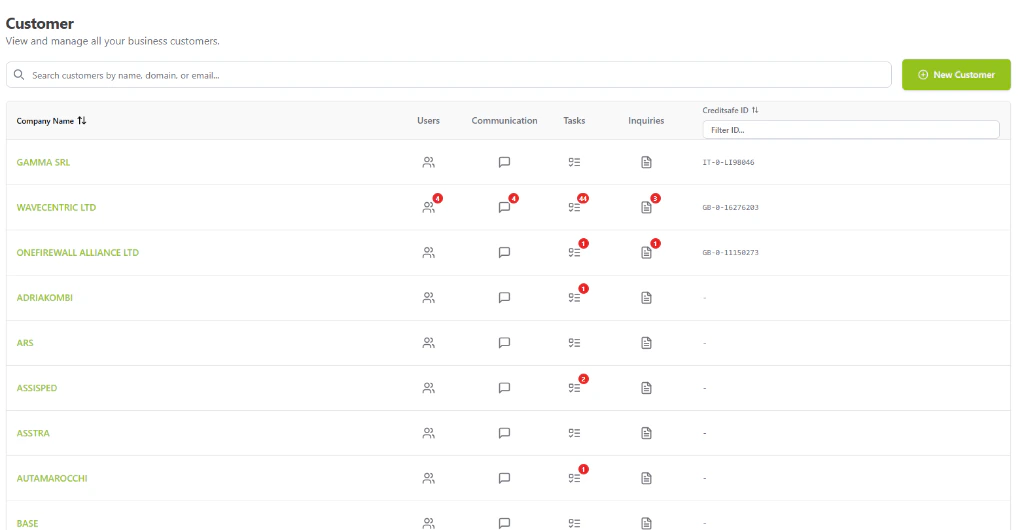
  <Card title="Customer Management" icon="users" href="/functionalities/customer-management">
    <img src="https://mintcdn.com/wavecentric/YSPi_dHzsGOmYZpE/images/customer-management.png?fit=max&auto=format&n=YSPi_dHzsGOmYZpE&q=85&s=7718b4db3b01dd1d542711585f6f4a24" alt="Customer Management" width="1024" height="530" data-path="images/customer-management.png" />
  </Card>

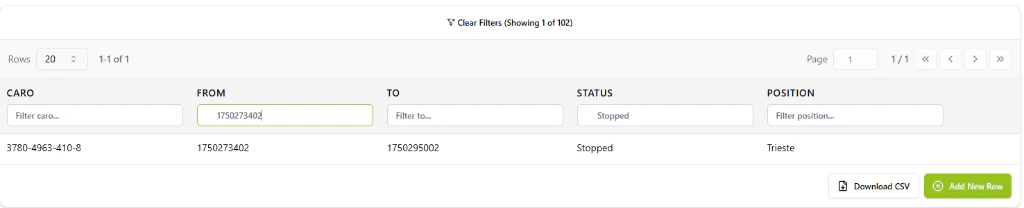
  <Card title="Data Lake" icon="database" href="/functionalities/data-lake">
    <img src="https://mintcdn.com/wavecentric/YSPi_dHzsGOmYZpE/images/data-filters.png?fit=max&auto=format&n=YSPi_dHzsGOmYZpE&q=85&s=15170643f10f5587f88022a8472701fa" alt="Data Lake Manager" width="1024" height="208" data-path="images/data-filters.png" />
  </Card>
</CardGroup>