
Workflow Visualization
Customer Enquiry Channels
The platform provides dedicated email addresses for customer communications:[email protected]: Primary channel for customer support and general enquiries.[email protected]: Secondary channel for chat-based customer interactions and quick responses.
Send Service Message
The Send Service Message tab enables users to compose and send emails to any business contact:- Unified Interface: Single interface for sending emails to contractors, suppliers, and any other business contacts.
- System-Managed Delivery: All emails are routed through the centralized communication system, ensuring tracking and archival.
- Structured Communication: Every message sent through the system is automatically logged for future reference.
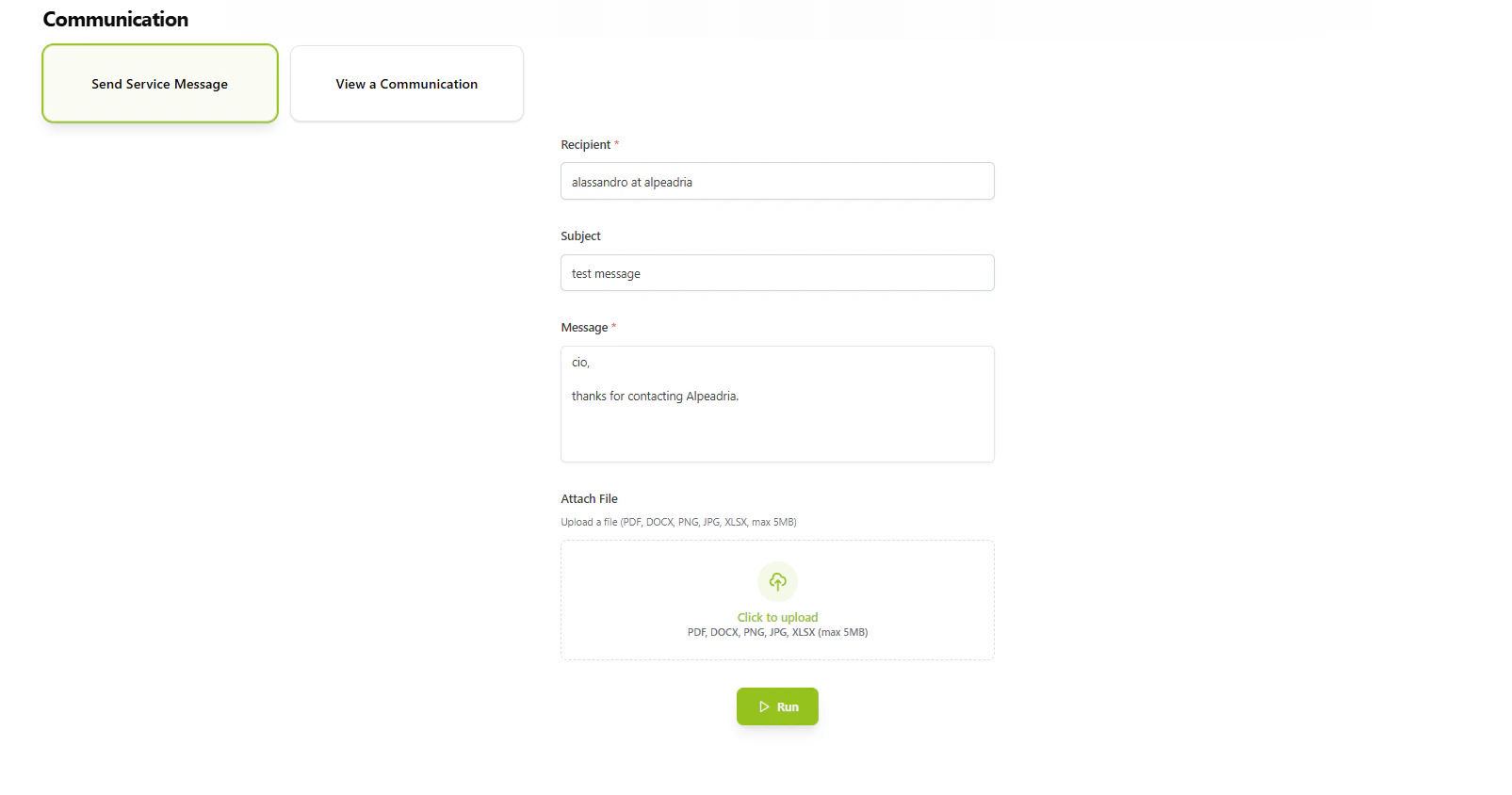
Send Service Message interface for composing and sending emails to contractors and suppliers.
View Communication
The View Communication tab provides complete visibility into all sent messages:- Message History: Chronological view of all communications sent through the system.
- Search & Filter: Quickly locate specific messages or communication threads.
- Audit Trail: Complete record of who sent what message and when.
- Communication Tracking: Track the status and delivery of all messages.
AI-Powered Contact Matching
The platform implements AI-powered contact matching that resolves partial contact information to exact email addresses:- Natural Language Input: Users can input contacts in natural language format (e.g., “alessandro at alpeadria”).
- Database Matching: The AI engine searches the database for matching contacts based on name and company information.
- Exact Email Resolution: Automatically retrieves the correct email address from the database.
- No Email Required: Users can send emails without knowing the exact email address—only the name and company.
- User Input: “alessandro at alpeadria”
- AI Processing: Matches “Alessandro” (name) + “Alpeadria” (company) against database records
- Result: Retrieves exact email:
[email protected]
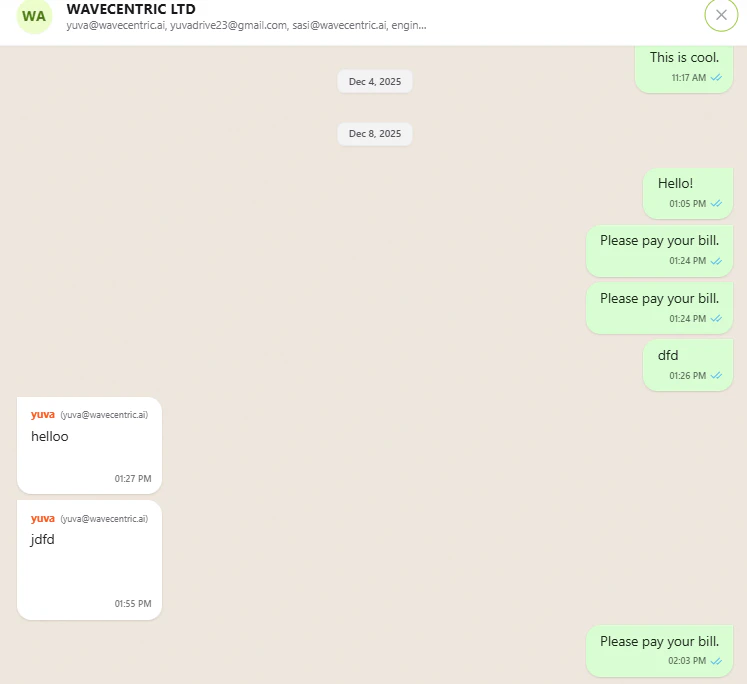
AI-powered contact matching feature demonstrating natural language contact resolution.