
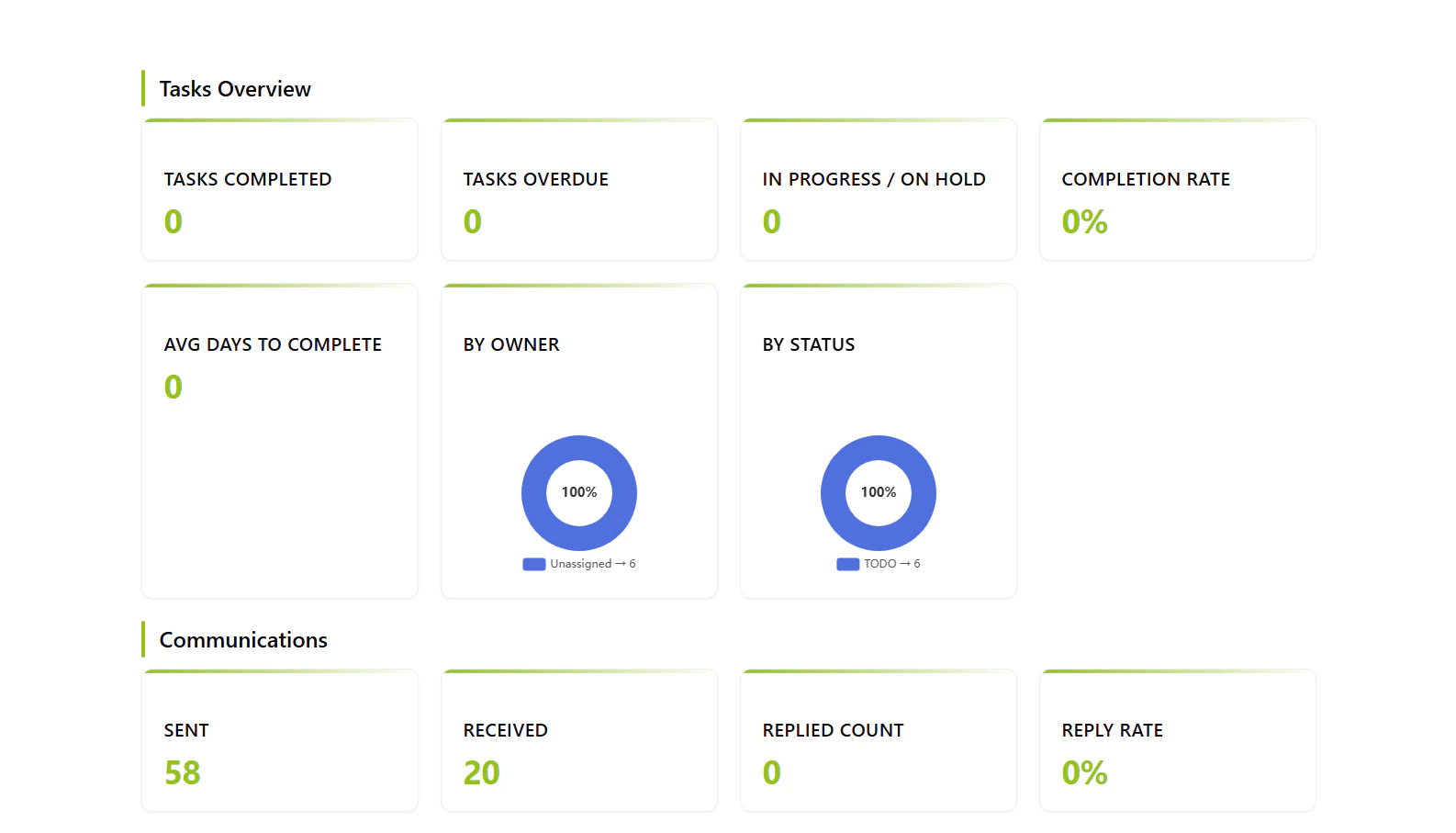
Workflow Visualization
What It Does
- Real-Time Metrics: Aggregates live data from multiple collections
- Interactive Visualizations: ECharts-powered doughnut charts and graphs
- Comprehensive Overview: Tasks, communications, customers, leads, and quotations
- Performance Tracking: Completion rates, reply rates, conversion rates
Key Metrics
Tasks
- Completed, overdue, and in-progress tasks
- Completion rate percentage
- Average time to complete (days)
- Activities by owner and status
Communications
- Sent and received messages
- Reply rate and count
- Top 5 external contacts
- Not replied percentage
Customers
- Total contacts and funnel distribution
- New contacts this month
- By funnel status (Default, Accepted, Draft, Sent, Expired, Rejected)
Leads
- Total leads count
- Lead conversion rate percentage
Quotations
- Total quotations sent
- Estimated cost this month
- Quotations by status (with breakdown)
Commands
KPI
Generates the complete business intelligence dashboard. No inputs required Output: Interactive HTML dashboard with all metrics and visualizationsHow to Use
1
Open the Dashboard
Run the “KPI” command to generate the real-time business intelligence dashboard.2
Review Metrics
Explore the categorized sections: Tasks, Communications, Customers, Leads, and Quotations.3
Interact with Charts
Hover over doughnut charts to see detailed breakdowns and percentages for each metric.Technical Details
Database:- Tasks:
datalake_main.db_ai-loop_V3_Tasks - Communications:
datalake_main.db_ai-loop_message_communication - Business:
datalake_main.db_ai-loop_V3_business - Requests:
datalake_main.db_ai-loop_V3_Requests