
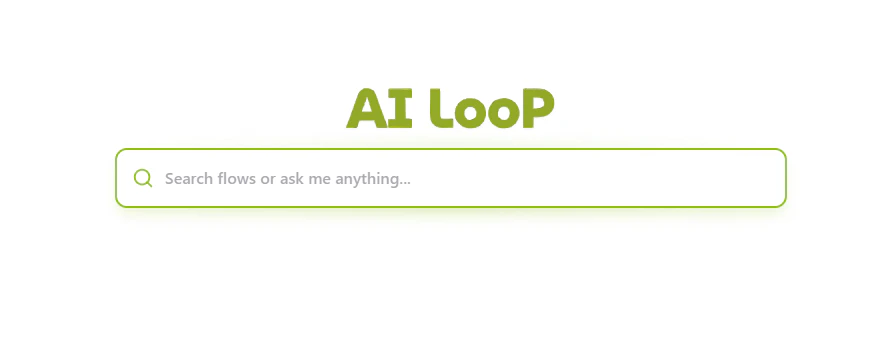
The AI Assistant central hub with its search and chat capabilities.
Core Capabilities
1. Intelligent Search & Navigation
Instead of navigating through deep menus, you can simply type what you’re looking for. The AI Assistant searches across:- Automation Flows: Find specific routines like “Send Quote” or “Check Shipment Status”.
- Documentation: Get help with platform features.
- Data Collections: Quickly find links to specific databases or reports.
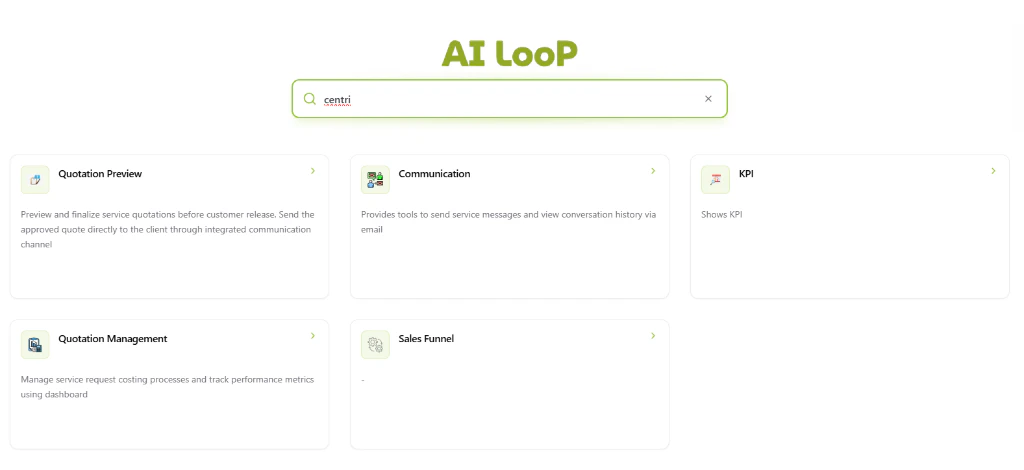
The AI Assistant displaying interactive search results and automation flows.
2. Conversational Assistance
Beyond searching for flows, the AI Assistant provides real-time answers to logistics queries.- Natural Language Queries: Ask about shipping routes, regulations, or general logistics advice.
- Clarification Dialogues: The assistant can ask follow-up questions to better understand your requirements before suggesting an action.
- Seamless Transition: Start a conversation directly from the search bar to refine complex requests.
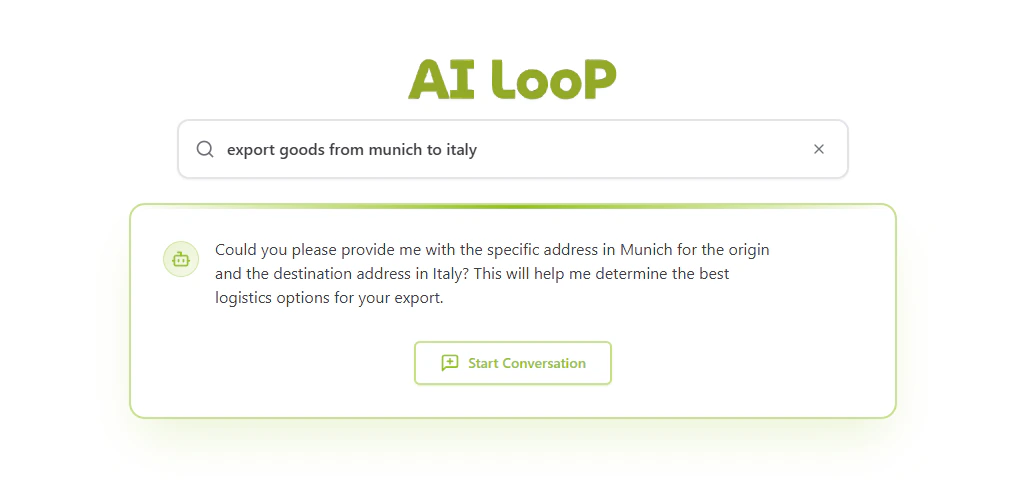
The AI Assistant providing conversational guidance for an export query.
3. Flow Execution
Execute complex backend workflows directly from the search bar through interactive cards:- Direct Commands: Type “Execute [Flow Name]” to trigger a specific automation.
- Contextual Results: Results are presented as cards with descriptions, providing immediate clarity on what each automation does (e.g., Quotation Preview, Communication tools, or KPI monitoring).
- One-Click Access: Click any result card to trigger the flow or navigate to the relevant section.
4. Usage Analytics
The AI Assistant keeps track of your most frequently used flows and actions, positioning your most important tools right where you need them for faster access.How to Use the AI Assistant
- Access the Hub: Click on the “AI Assistant” icon in the sidebar or navigate to
/ai-assistant. - Type your Query: Use natural language. For example:
- “How do I create a new inquiry?”
- “Where are the analytics reports?”
- “Show me the logistics network map”
- Select an Action: Choose from the suggested flows, pages, or AI responses.
- Execute: Run flows directly within the interface and see real-time output.