
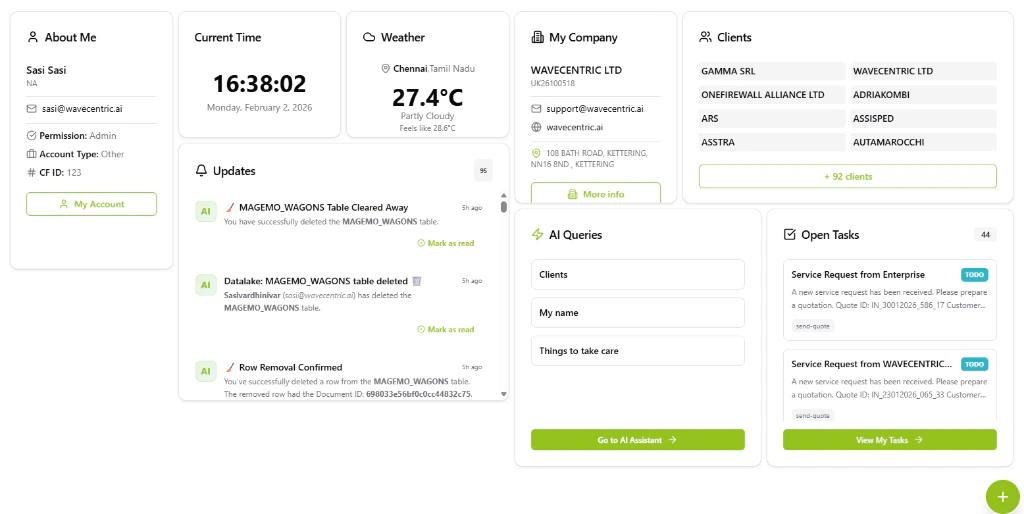
The AI Loop Dashboard featuring a custom layout of AI Queries, Tasks, and Notification widgets.
The Widget Registry
Click the floating (+) button to open the Add Widget Dialog, where you can browse and search through the available library:Advanced Widget UX
- Intelligent Notifications: The “Updates” widget features “View-Once” logic, automatically marking specific transient alerts as read just by hovering over them.
- Rich Interaction: Widgets support embedded links and deep-linking, allowing you to jump from a notification directly to the relevant record in the Data Lake or Sales Funnel.
- Live State Updates: Real-time counters (e.g., in the “Updates” badge) keep you informed without requiring manual page refreshes.
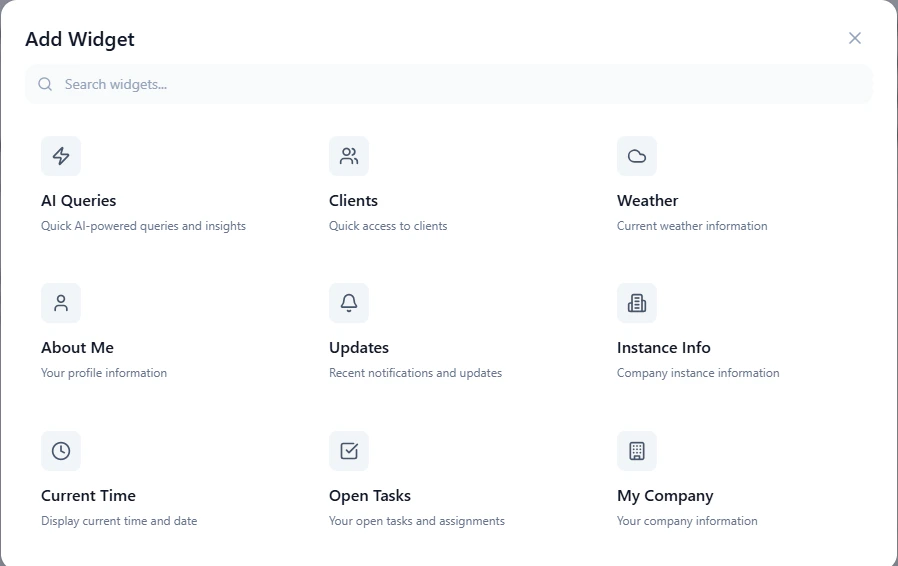
The Add Widget registry allowing for modular dashboard customization.