
Create Database
You can initialize new data structures through two primary methods:- New DataBase (Manual): Define a custom name and add multiple initial columns manually to build a specialized collection from the ground up.
- Import from File: Rapidly ingest existing datasets by uploading CSV, XLSX, or XLS files. The system automatically derives the database name from the filename and initializes the schema based on your file’s headers.
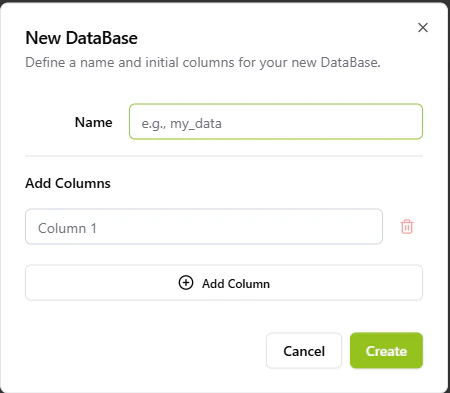
The manual database creation interface.
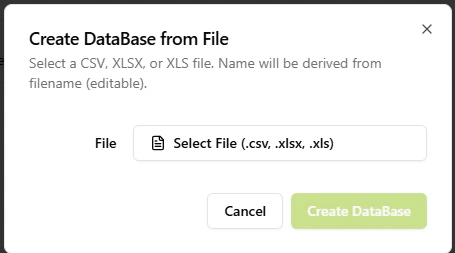
Creating a database from external files (CSV/Excel).
Record Management & Editing
Manage your records with a sophisticated editing suite designed for data integrity:- Atomic Row Editing: Modify individual records through a focus-modal that prevents accidental changes to adjacent data.
- Helper Intelligence: The platform detects data types automatically. Typing a date or timestamp triggers a specialized Date Helper for easier entry.
- Data Suggestions: Field-level intelligence provides contextual suggestions based on existing entries to ensure naming consistency across your dataset.
- Schema Evolution: Add new columns to an existing database at any time to accommodate evolving business requirements. To add or edit columns for an existing collection, simply click on Manage Columns to access the schema editor where you can rename, delete, or add new fields.
Defining initial columns during the 'New DataBase' creation phase.
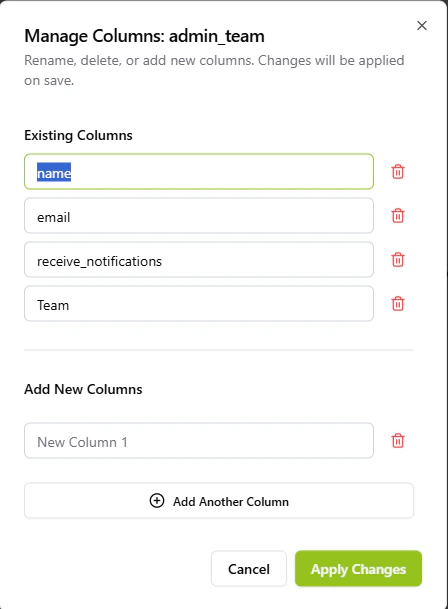
The 'Manage Columns' interface allows editing the schema of existing databases.
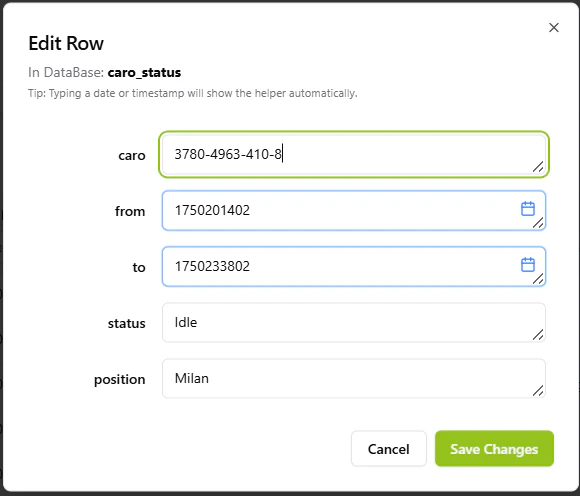
The record editing interface featuring specialized date helpers and data suggestions.
Search & Filtering
The Data Lake is optimized for rapid analysis of large-scale logistics data:- Cross-Column Search: Instantly find records by searching across any business field simultaneously.
- Advanced Filtering: Use field-specific probes to isolate data based on precise criteria.
- Temporal Analysis: Integrated Date-Time Pickers within the filter headers allow you to perform precise time-based auditing and historical reporting.
- Bulk Export: Download any filtered view or entire collection as a CSV for external analysis.
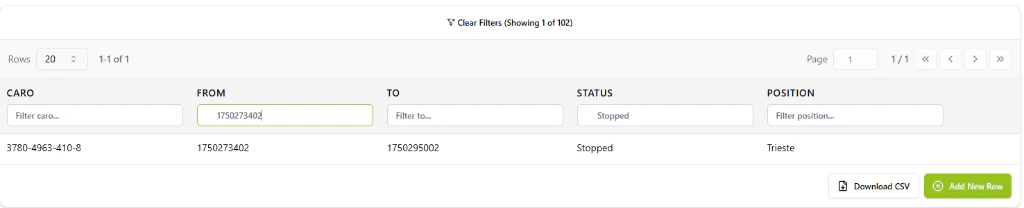
The Data Lake filtering system with integrated date-time pickers and row-level search.