
Workflow Visualization
What It Does
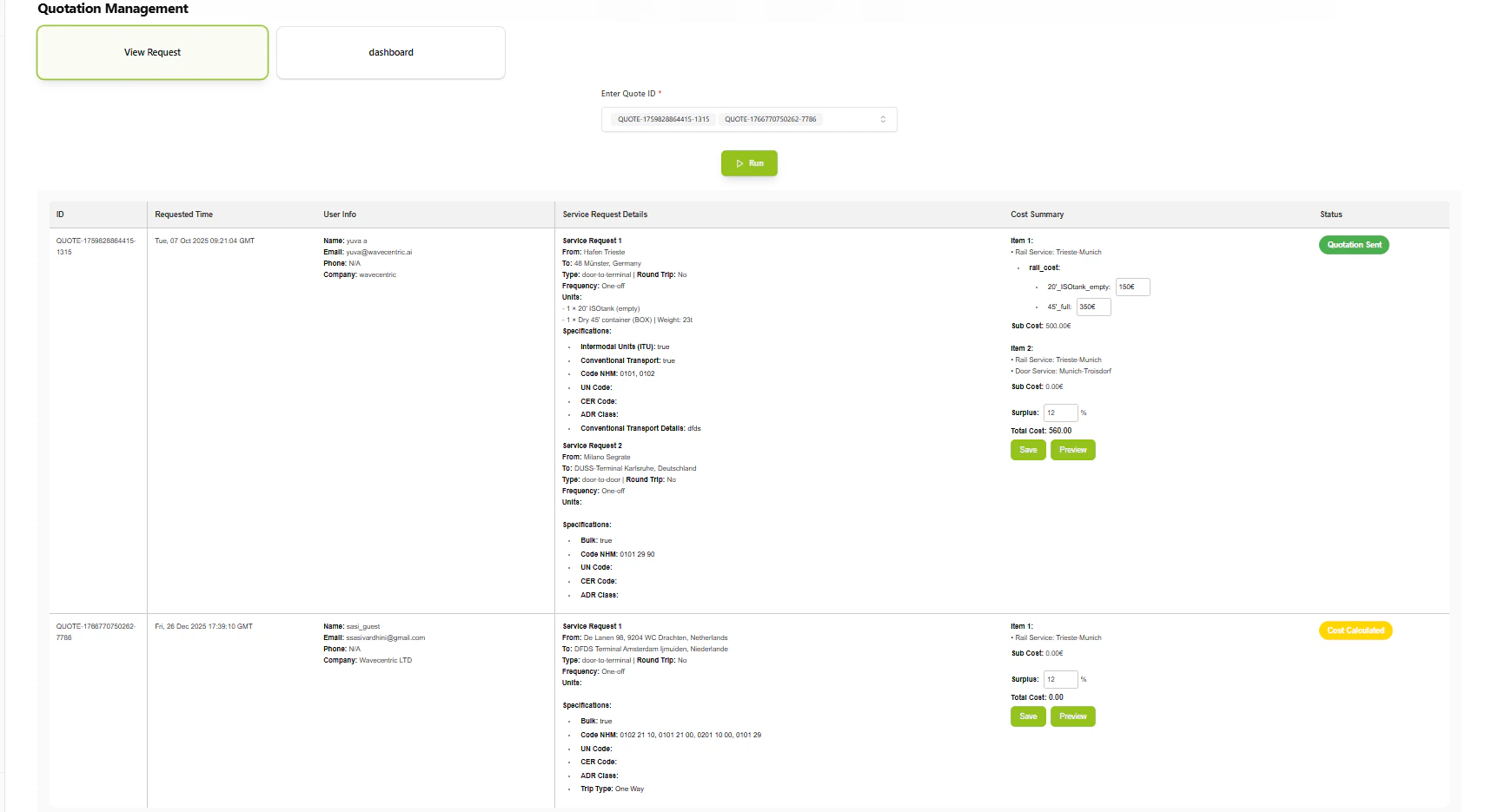
- Dashboard Overview: Centralized view of all active quotations
- Status Tracking: Monitors quotation lifecycle (Draft → Verified → Sent)
- Quick Actions: Immediate access to View, Edit, and Preview functionalities
- Cost Verification: Review automatically generated pricing
- Manual Adjustments: Edit and customize cost structures before sending
Key Features
Automated Cost Generation
Upon inquiry creation, the Pricing Engine instantly calculates offers based on:- Service Type: Predefined cost structures for specific logistics services
- Inquiry Details: Origin, destination, cargo type from customer request
- Route Data: Optimization data from Route Scanner
Dashboard Visibility
- Comprehensive list of all active quotations
- Status tracking (Draft, Cost Calculated, Verified, Sent)
- Quick action buttons for each quotation
Verification and Editing
- Edit Option: Modify auto-generated cost structures
- Discounting: Apply specific discounts or adjustments
- Human Oversight: Ensure pricing accuracy before customer transmission
How to Use
1
Access Dashboard
Navigate to Inquiry List to see all active quotations with their current status.2
Review Quotation
Select a quotation to view detailed cost breakdown, route information, and customer details.3
Edit if Needed
Modify pricing, apply discounts, or adjust cost structures as required by sales strategy.4
Verify and Send
Mark quotation as verified when ready, then proceed to send to customer.Technical Details
Database:- Inquiries:
datalake_main.db_ai-loop_CRM_Inquiries - Quotations: Auto-generated from cost calculation flow